
Your links, content, and shop. Together.
Your brand.
One page.
Bring your work, recommendations, and products together on a page that feels like you. Somewhere to explore what you share—and buy what you make.
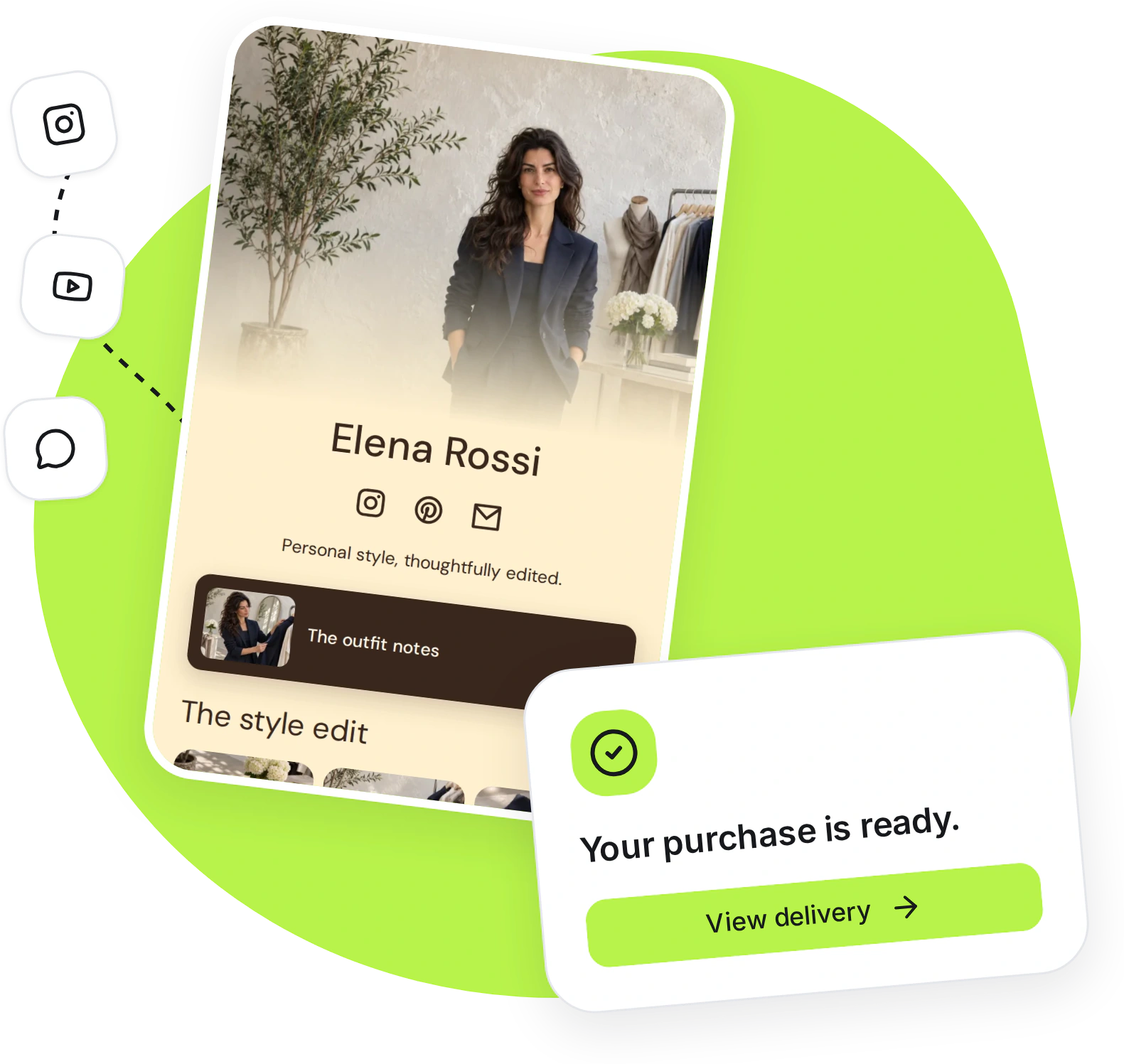
A guide. A course.
An hour with you.
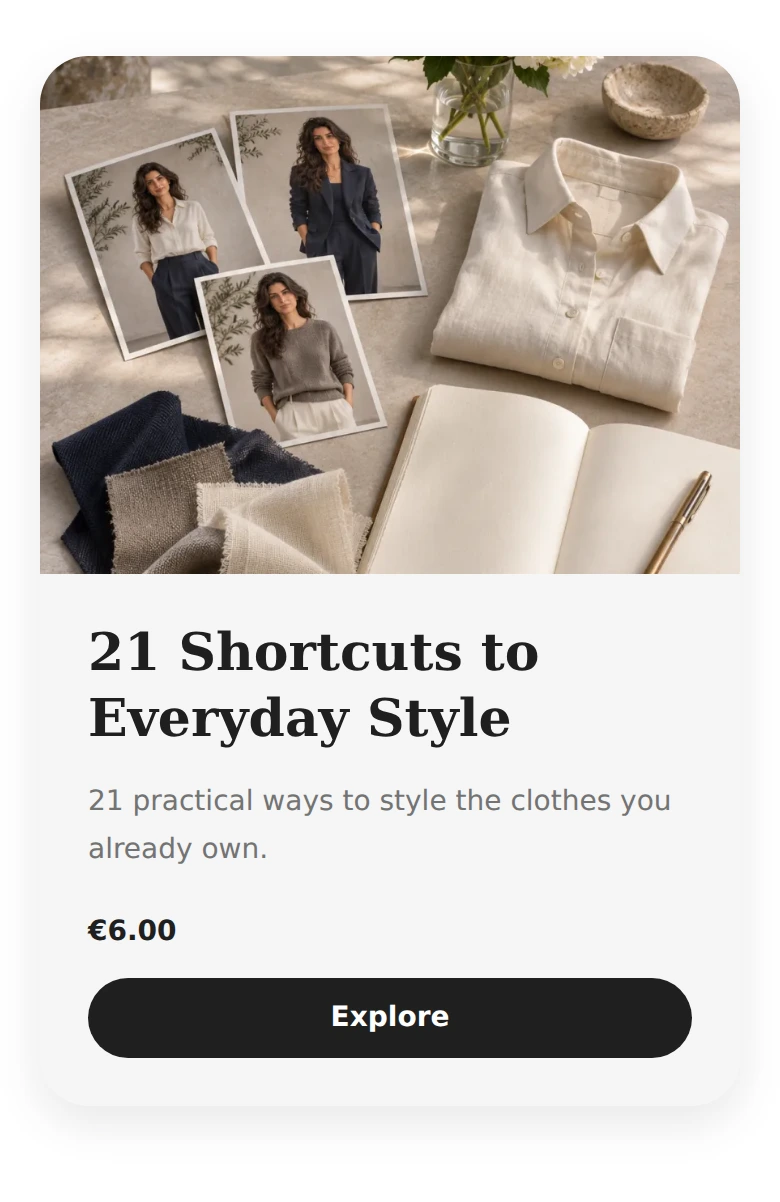
Downloads
Guides, templates, and resources. Set a price; buyers get the file after paying.
Courses
Bring lessons and resources together behind a purchase. Students come back to their library.
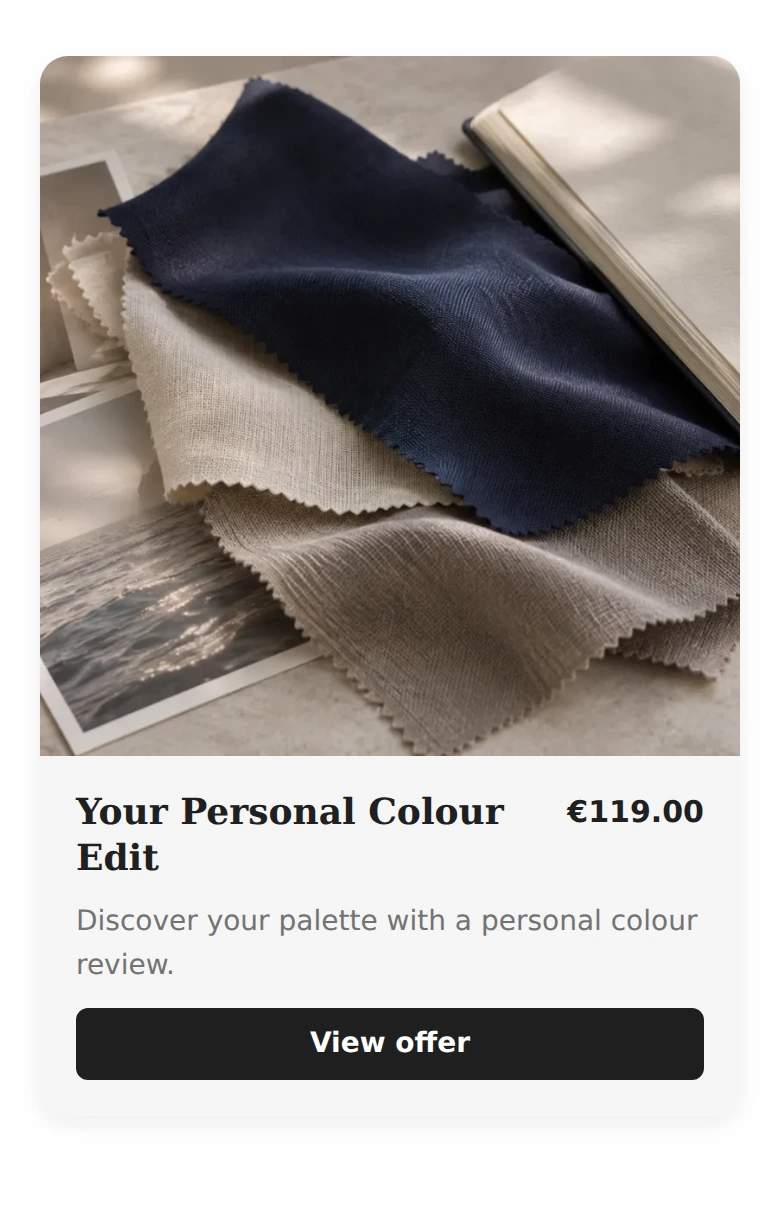
Sessions
Sell your time and expertise, then send clients to your booking calendar.
A shop built
into your page.
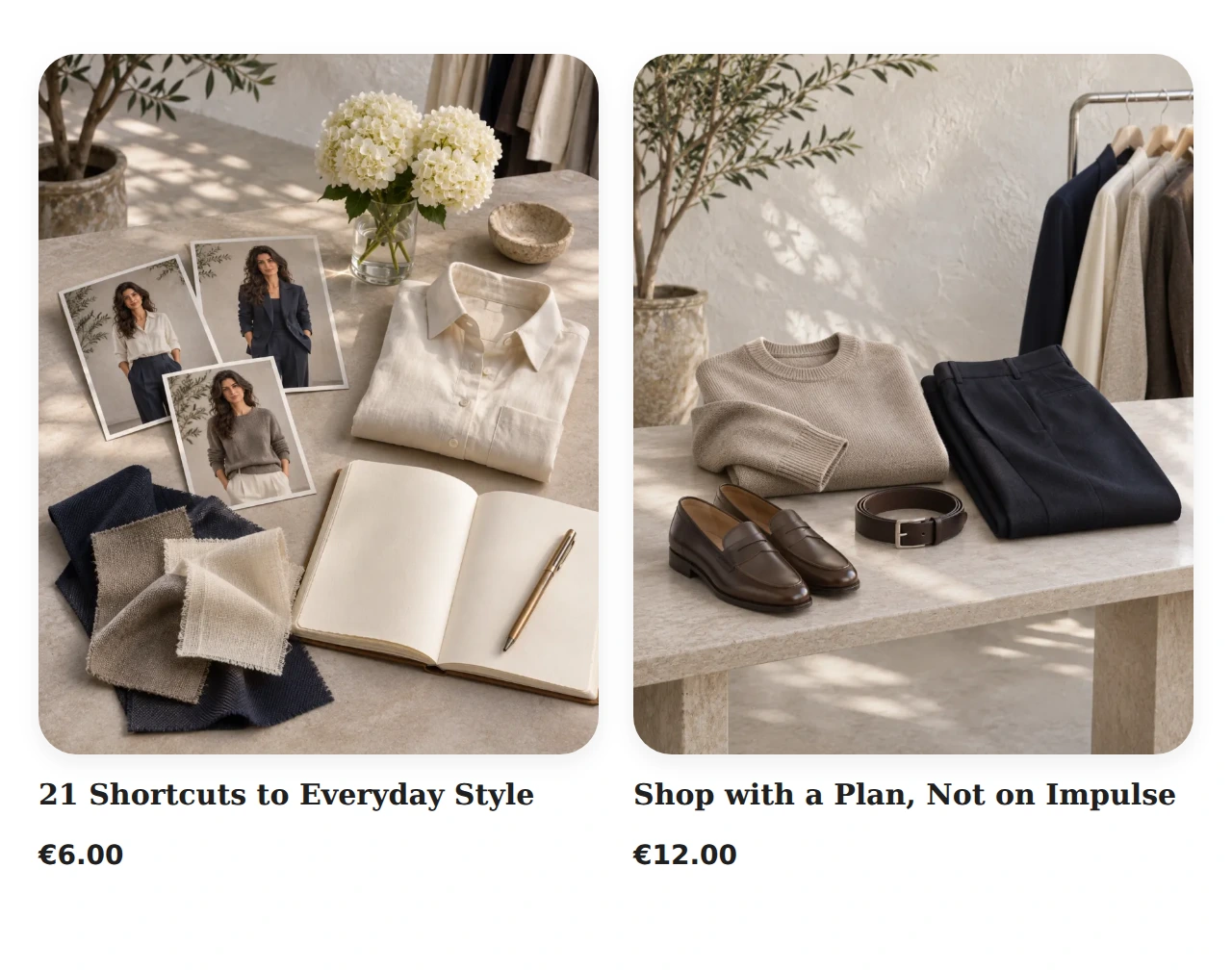
Sell downloads, courses, or paid sessions alongside your links. Choose one-time or recurring prices, or group products into a bundle.
- Payments
- Set up payments inside Tapbun. Stripe handles the payment processing.
- Files and lessons
- Buyers receive an access email and can return to their purchase in their library.
- Sessions
- Send clients to your Calendly, Cal.com, or other booking link. Scheduling stays there.
Choose a template.
Edit the details.
Use the arrow buttons, left and right keys, or swipe to explore. Select the centre template for a larger preview.
Your page.
Your point of view.
Before you make it yours.
Do I need to know how to build a website?
No. Pick a template, add your content, and publish. You can change the colours, fonts, images, and layout without code.
What if I’m not selling anything?
Use your page for your links, work, and recommendations. You can add products later.
How do I set up payments?
You’ll set up payments inside Tapbun. Stripe handles the payment processing.
Do I have to send customers their files?
No. After payment, Tapbun emails them a link to their purchase. They can come back to their files and courses in their library.
Can I use my booking calendar?
Yes. Add your Calendly, Cal.com, or other booking link. You’ll still manage availability and bookings there.
Can I use my own domain?
Custom domains are coming soon. For now, your page lives at tapbun.com/yourname.